Help / Guides
Install OttoClipper and clip your first store
Add OttoClipper to Chrome, pin it, sign in to your store’s own website and press Clip. No account needed for your first store.
1.Add OttoClipper to Chrome
Install OttoClipper from the Chrome Web Store. It’s free. Start on our download page.
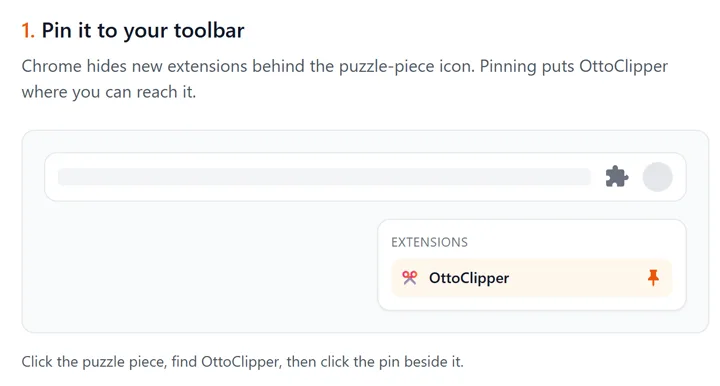
2.Pin it to your toolbar
Chrome hides new extensions behind the puzzle-piece icon. Click the puzzle piece, find OttoClipper, then click the pin beside it so the icon stays in your toolbar.
3.Sign in to your store’s own website
Open your store’s website in Chrome and sign in there. OttoClipper clips using the store login you already have. We never see your store passwords. You sign in on the store’s own site, like always.
4.Open OttoClipper and press Clip
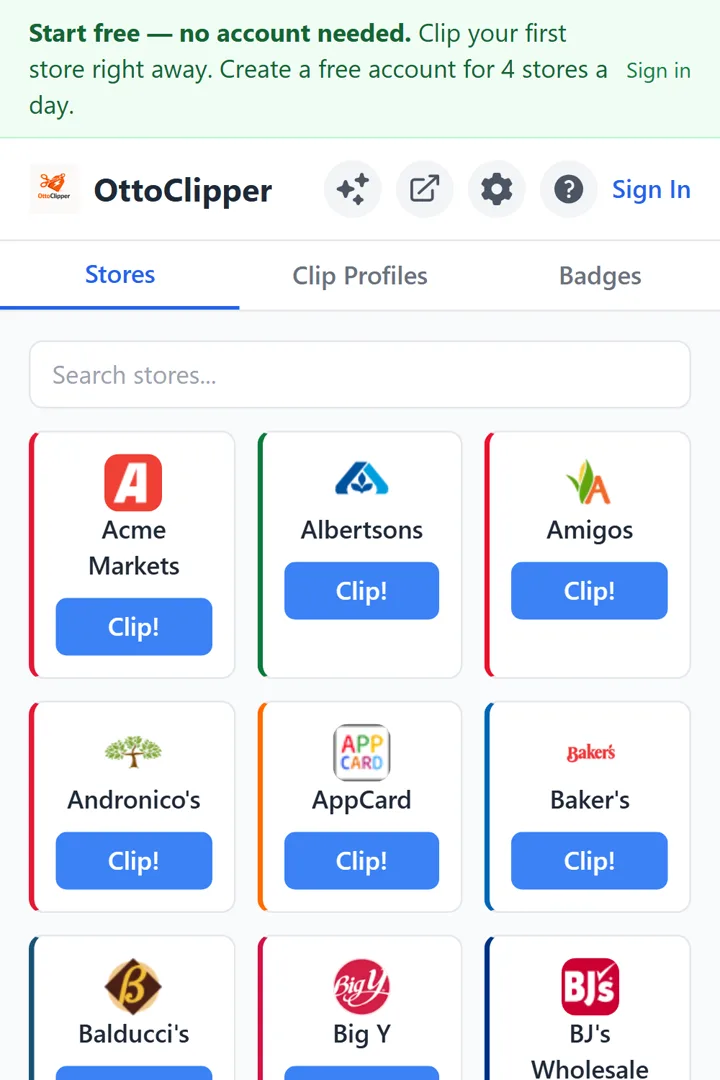
Click the OttoClipper icon, find your store among 100+ stores, and press Clip!
5.Watch it clip
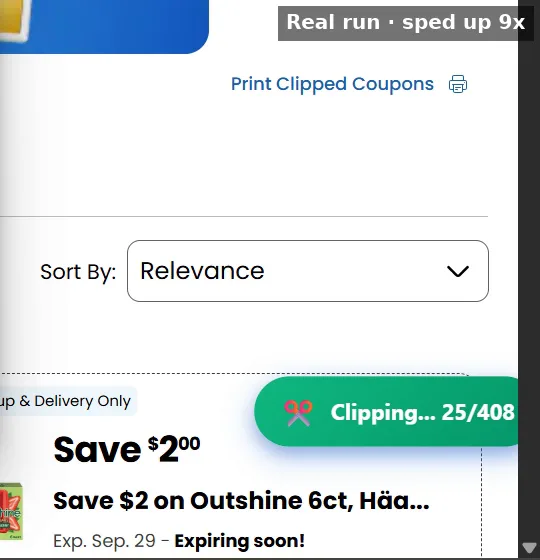
OttoClipper opens the store’s coupon page and clips every available digital coupon to your loyalty card. The count climbs as it goes. (Screenshot: a real run.)
6.Start free — no account needed
Clip your first store right away. Create a free account for 4 stores a day. The coupons and savings from your free run carry over to your account. See what a free account includes.