Help / Guides
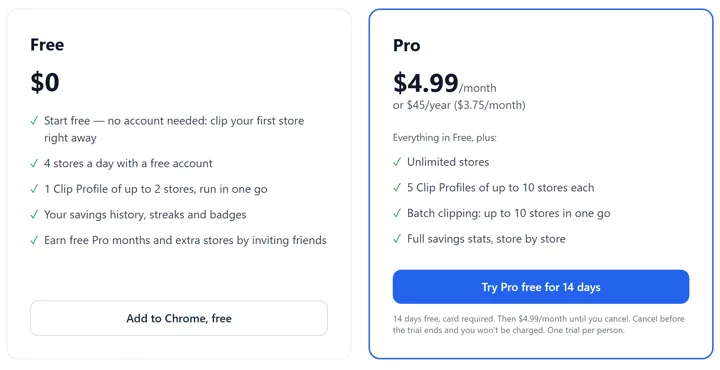
What you get with a free account
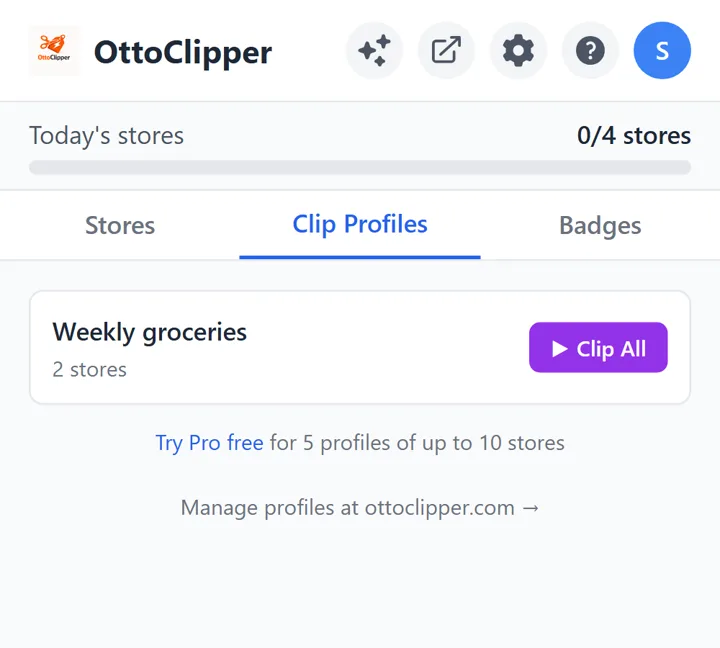
4 stores a day, a Clip Profile of up to 2 stores, and your savings history, streaks and badges.
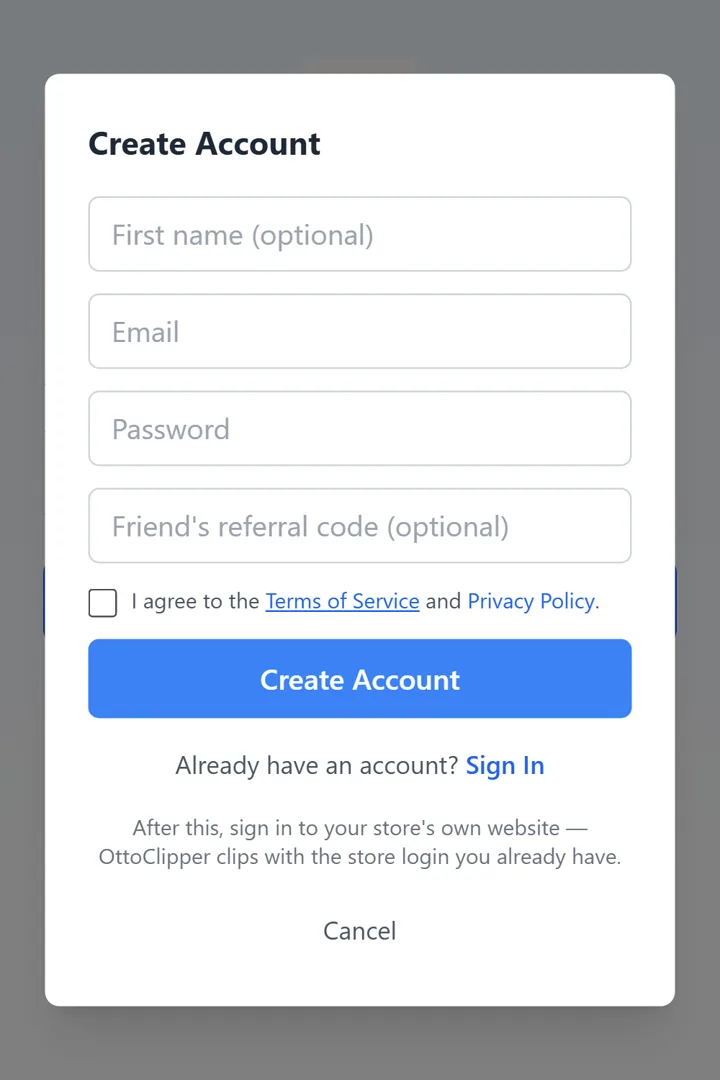
1.Create your free account
After your first store, tap Create free account in the extension and enter your email and a password. The coupons and savings from your free run carry over.
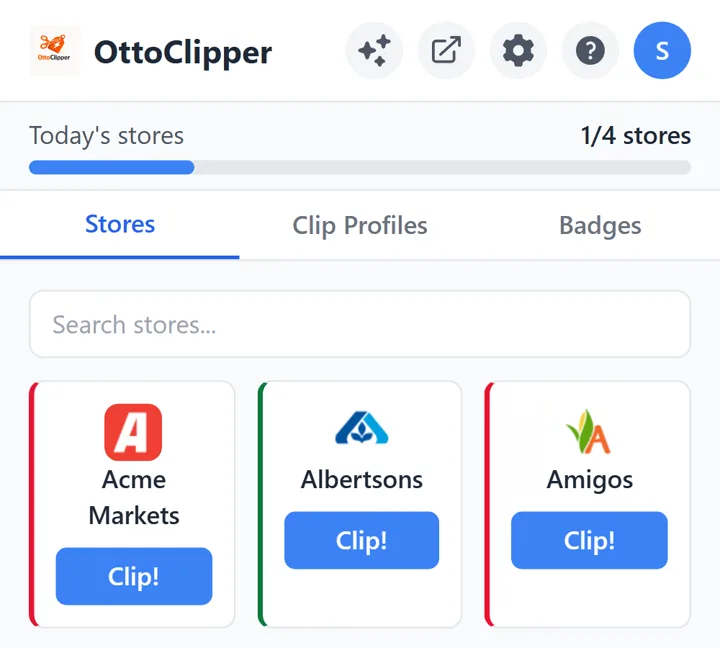
2.4 stores a day
Clip up to 4 stores a day, with no limit on coupons per store. Today’s count is at the top of the extension. Clipping the same store again on the same day doesn’t use another slot, and the count resets at midnight UTC.
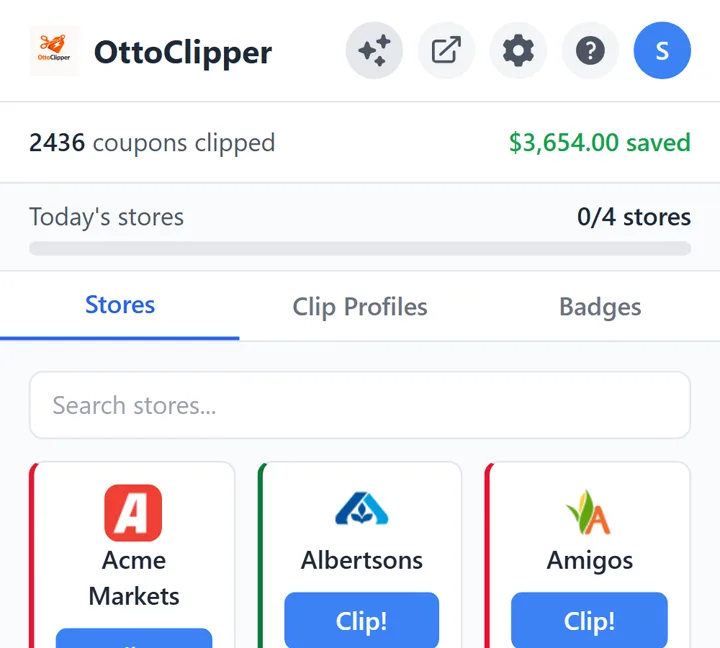
3.Your savings history
Tap the savings icon in the extension to see how many coupons you’ve clipped. Your full history is on the Savings page.
4.A Clip Profile of up to 2 stores
Save the stores you shop as a Clip Profile and run them in one go. How Clip Profiles work.
5.Streaks and badges
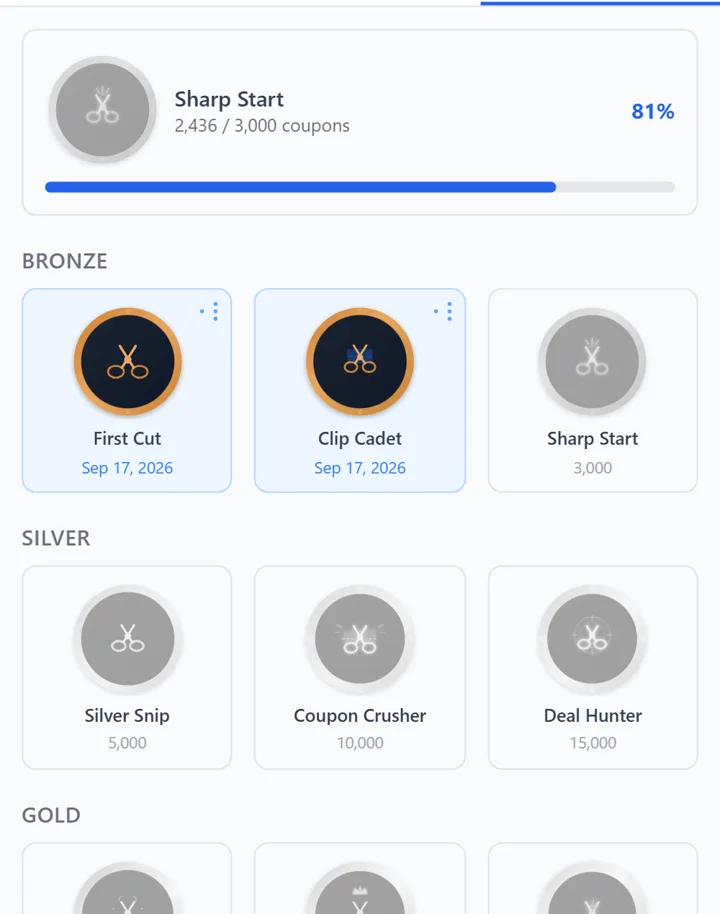
Every coupon you clip counts toward badges in the extension’s Badges tab, and clipping day after day builds a streak. More on badges and referrals.
6.Want more? Pro
Pro is unlimited stores for $4.99/month or $45/year, with 5 Clip Profiles of up to 10 stores each. Try it free for 14 days (card required). See Free vs Pro.