
Help / Guides
Clip several stores in one go with Clip Profiles
Save the stores you shop as a Clip Profile, then clip them all with one tap.
1.What a Clip Profile is
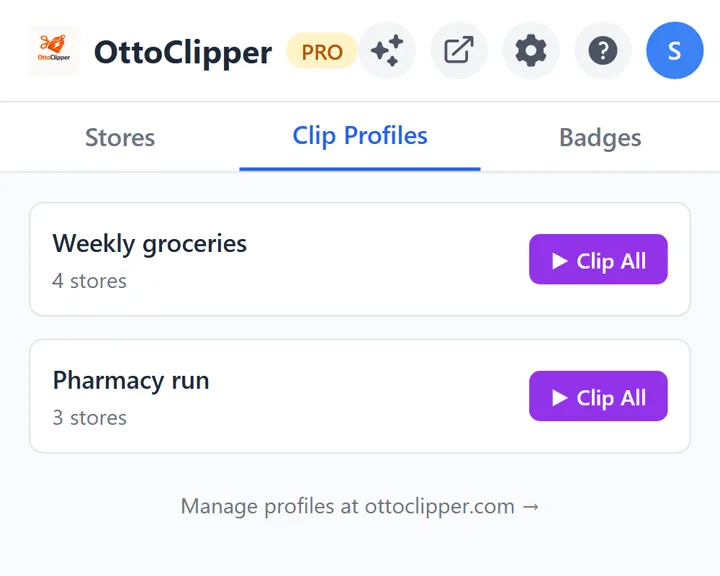
A saved group of stores you clip together. Run the whole profile with one tap.
2.Create one on ottoclipper.com
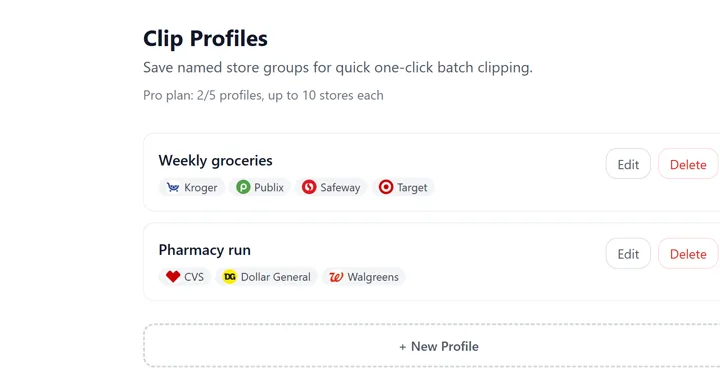
Go to the Clip Profiles page, pick your stores and give the profile a name.
3.Sign in to each store’s own website
Be signed in to each store in the profile on its own website in Chrome, so the coupons go to your cards. We never see your store passwords.
4.Press Clip All
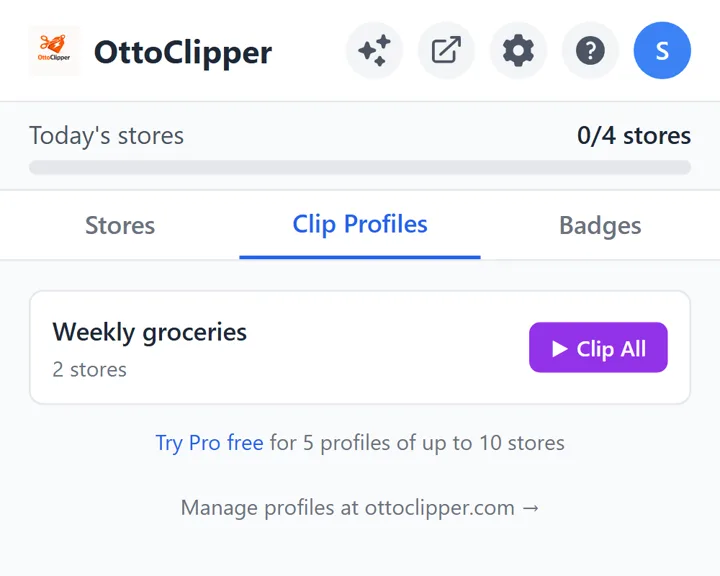
Open OttoClipper, go to the Clip Profiles tab and press Clip All.
5.Watch each store clip
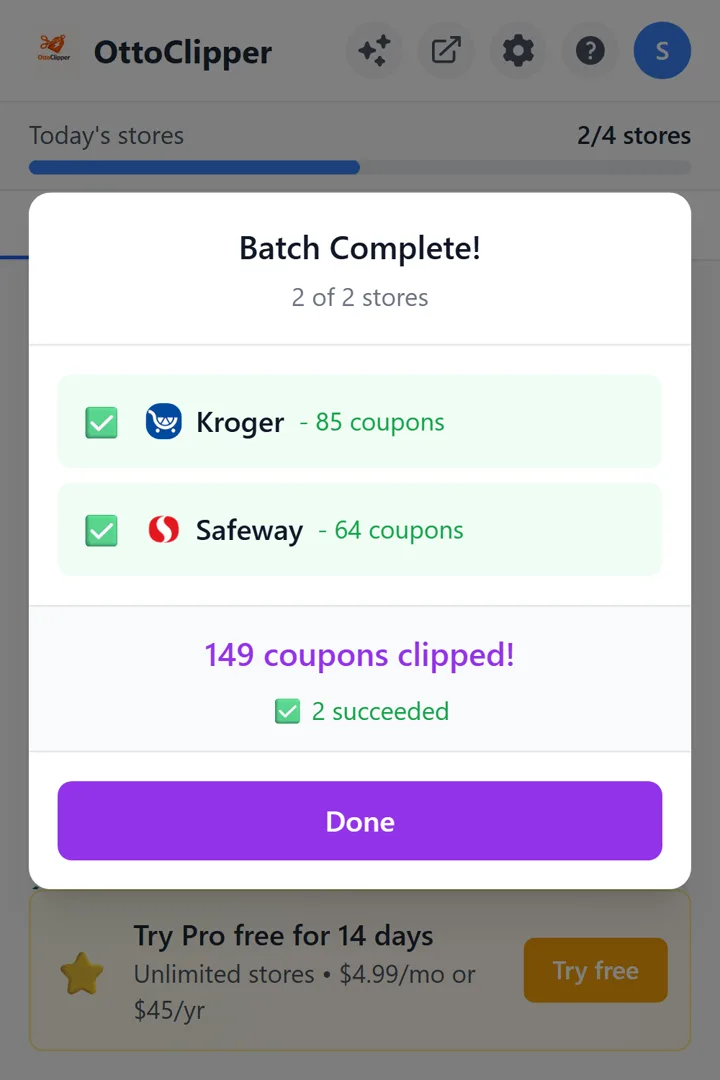
It clips each store in turn, shows the count as it goes, and gives you a count for every store when it’s done.
6.Free and Pro
A free account gets 1 Clip Profile of up to 2 stores. Pro gets 5 profiles of up to 10 stores each.